
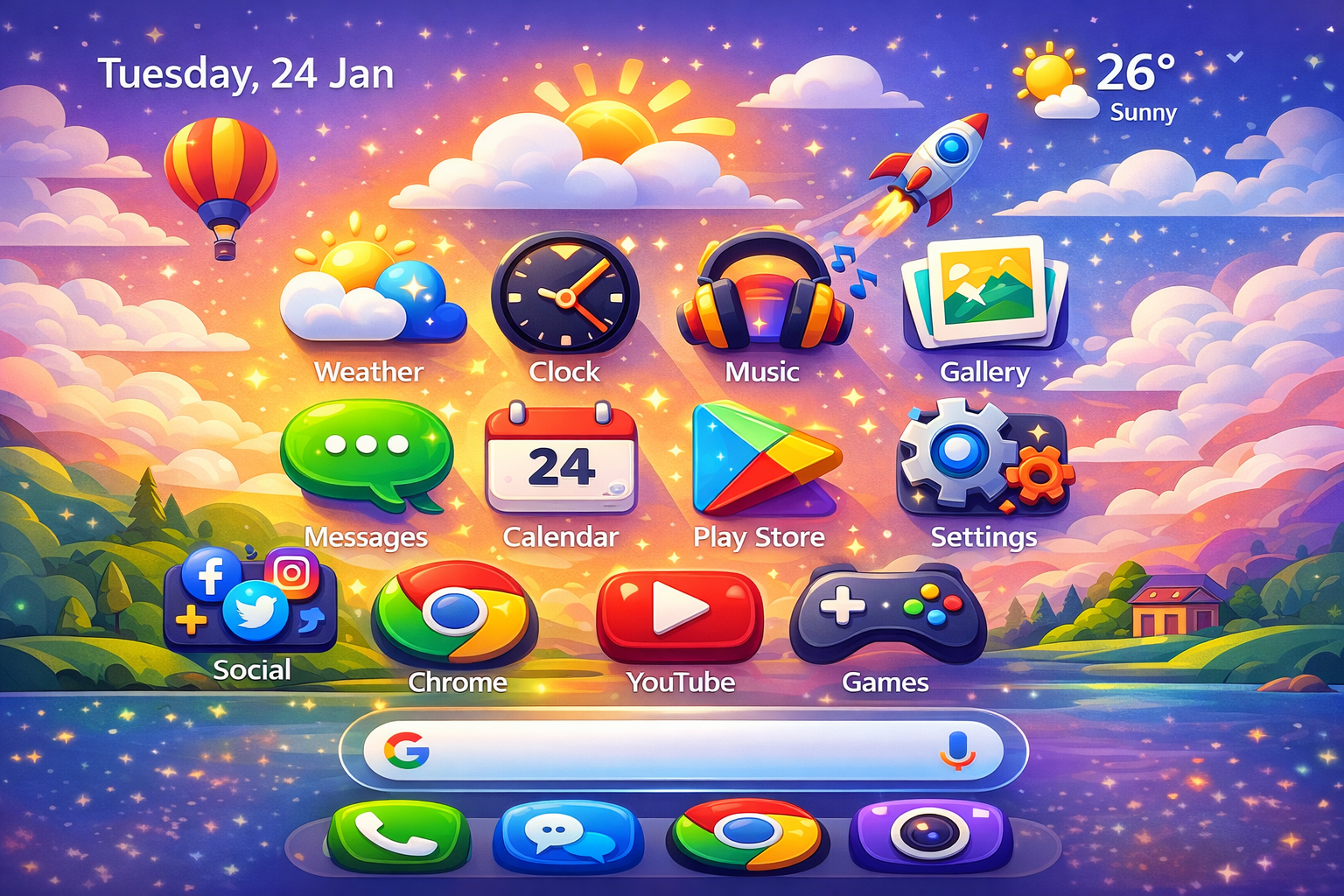
If you are looking for a free Android launcher that gives your smartphone a fresh and animated look, Launcher Life Icon is one of the best options available. This live launcher is simple, visually attractive, and perfect for users who want something different from traditional Android launchers.
Animated Icons Experience
The first thing you will notice after applying this launcher is the animation.
Each and every app icon is animated, giving your phone a lively and modern feel.
The animations are smooth and instantly change the overall appearance of the home screen.
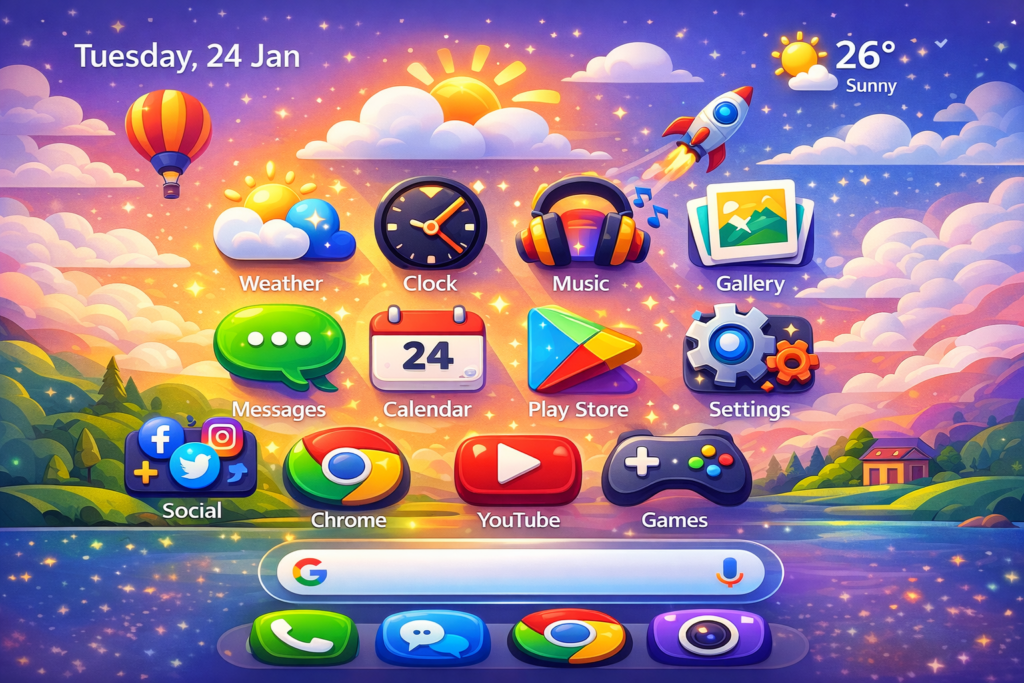
Design and Visual Appeal
Launcher Life Icon uses a completely different visual style compared to standard launchers.
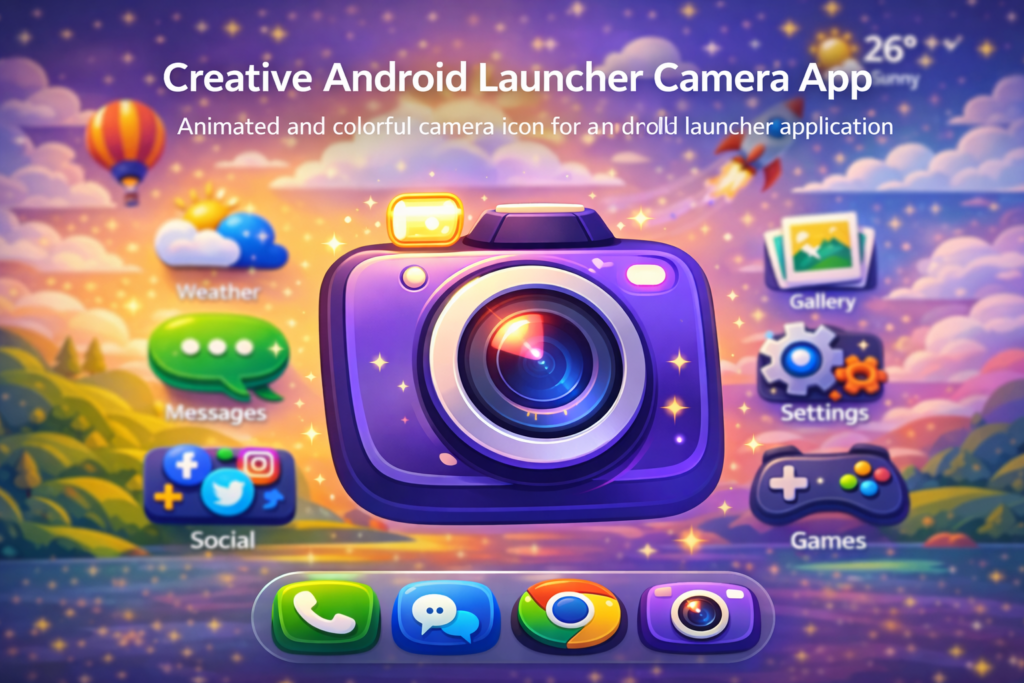
Icons such as the camera look especially impressive and eye-catching.
The design is clean, attractive, and pleasing to the eyes, making the launcher enjoyable to use.
Ease of Use and Settings
This launcher is very easy to use.
There is no need for extra setup or complicated customization.
It includes basic and useful settings such as screen rotation, and all application icons are easily accessible. Even beginners can use it without any learning curve.
Battery Usage
One important thing to note is that this launcher can drain battery faster due to animated icons.
However, it is ideal for short-term use when you want to refresh your phone’s look and boost your mood with a new visual style.
Final Thoughts
Launcher Life Icon focuses mainly on animated icons and visual appeal.
It does not overload users with unnecessary features, which keeps the experience smooth and simple.
Best of all, the launcher is completely free, making it worth trying.
Conclusion
Launcher Life Icon is a great choice if you want a free live launcher with animated icons and a unique design. While it may not be ideal for long-term battery-saving use, it is perfect for users who enjoy experimenting with new launcher styles.
How to Download and Install Launcher Life Icon
To get started, open the Google Play Store and search for Launcher Life Icon.
Download and install the app on your Android device.
Once installed, tap on the launcher icon, select it as your default launcher, and you are ready to go.
Here is the direct Download Link 👇

Thanks for reading.
If you found this article helpful, don’t forget to like, share, and Explore others articles for more Android tips and reviews.